


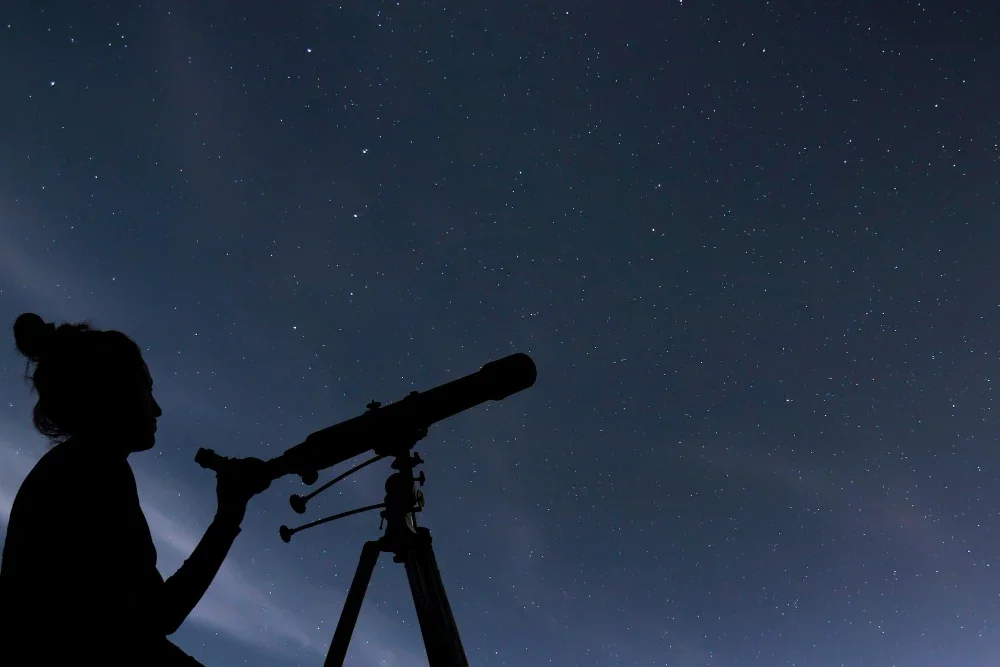
Stargazing is a fascinating hobby that allows us to connect with the universe. With millions of stars twinkling above, finding a specific star might seem daunting. However, with the right tools and knowledge, locating your star can be an enjoyable and rewarding experience.
In this guide, we will explore how to understand star coordinates, use maps and applications to find stars, and ensure you are looking at the right celestial object.
Understanding Star Coordinates
To find a star with coordinates, you first need to understand these coordinates. These coordinates are similar to the Earth's longitude and latitude. The two key terms are Right Ascension (RA) and Declination (DEC).
First, let's talk about Right Ascension. RA is like longitude on Earth. It measures how far east a star is from a starting point in the sky called the vernal equinox. We express RA in hours, minutes, and seconds, which makes it easy to track the movement of stars as the Earth rotates.
Next, we have Declination. DEC is similar to latitude. It tells us how far north or south a star is from an imaginary line in the sky called the celestial equator. We measure DEC in degrees. For example, if a star has a DEC of +20, it is 20 degrees north of the celestial equator.
So, understanding these coordinates is the first step in your stargazing adventure.
How to Find My Star with Maps

Using maps to find stars can make your stargazing experience more accurate and enjoyable. Let’s break down the steps to ensure you can locate stars with ease.
Find the Correct Map
First, you need to choose the right star map. You can find maps in books, online, or as apps. Make sure the map matches your location and the time you plan to stargaze. For instance, a map designed for the northern hemisphere won’t work well in the southern hemisphere. Websites like “Picture the Stars” offer customized star maps based on your location and time.
Go Out in the Right Stargazing Conditions
Next, you need to pick the perfect night for stargazing. Clear skies and minimal light pollution are essential. Check the weather forecast and choose a night with clear skies. Avoid city lights by finding a dark, open area. Dark parks and rural locations are ideal. The less light interference, the better you will see the stars.
Align Your Chart
Once you have your map and location, align your chart. Hold the map above you with the north marker pointing north. Align the date and time on the map to match the current date and time. This step ensures that the map accurately reflects the night sky you are viewing. Then, rotate the map until the constellations match what you see above.
Locate the Right Degree
Finally, use the map to find the Right Ascension and Declination of the star you are looking for. RA tells you when a star will be visible based on the Earth's rotation. DEC shows you where the star will be in relation to the celestial equator. For example, if a star has a DEC of +30, it is 30 degrees north of the celestial equator. So, use these coordinates to pinpoint the star on your map.
How to Find My Star with an Application

Locating your star with an application can make the process straightforward and fun. Let's explore how to use these apps effectively.
1. Choose the Right Application
First, you need to choose the right application. Some popular star-gazing apps include Star Chart, Sky Map, and Stellarium. These apps are available for both Android and iOS devices. Download and install an app that suits your needs. Ensure that the app has good reviews and offers the features you want, like real-time sky maps and search functions.
Set Up Your Application
Once you have chosen an app, set it up properly. Open the app and allow it to access your location. This step is crucial because the app needs to know your exact position to show you the correct night sky. Enable the necessary permissions, such as location and camera access, to make full use of the app’s capabilities.
2. Input Your Star's Information
After setting up the app, input your star's information. If you have named a star through a registry, you will have a unique reference number and coordinates. Enter these details into the app’s search function. Most apps allow you to search by star name, coordinates, or reference number. This step will help you locate your star accurately on the app's sky map.
3. Use the App to Locate Your Star
Now, use the app to locate your star in the sky. Point your phone towards the sky and move it around. The app will display the stars and constellations visible from your location. When your star appears on the screen, the app will highlight or show it with an arrow. This feature makes it easy to identify your star among millions of others.
What Star Am I Looking At?
When you look up at the night sky, it can be challenging to identify which star you are seeing. To figure out what star you are looking at, use a star map or a stargazing app. Start by noting the star's position relative to nearby constellations or bright stars. Bright stars like Polaris, Sirius, or the stars in the Big Dipper are excellent reference points because they are easy to spot and well-known. Cross-reference these reference points with your star map or app. The map or app will show you the star's name and its coordinates, helping you confirm its identity. Using these tools makes it much easier to identify the stars above you.
In addition to using maps and apps, understanding the star's brightness and color can also help you identify it. Stars have different brightness levels, known as magnitudes, and distinct colors that can indicate their temperature and type. For example, Betelgeuse has a reddish hue, while Rigel appears bluish. Apps like Star Chart and Sky Map often provide details about a star’s brightness and color, adding another layer of identification.
By combining these visual clues with the information from your map or app, you can confidently determine which star you are observing.
Wrapping Up
Finding your star can be a magical experience. By understanding star coordinates, using maps and applications, and knowing how to verify the star, you can navigate the night sky with confidence. Whether you are a beginner or an experienced stargazer, websites like “Picture the Stars” can help enhance your celestial explorations.
Ready to capture your special moment?
Create Your Star Map →